
August 19, 2026
High-Resolution Photo Booth Prints: Why They Matter
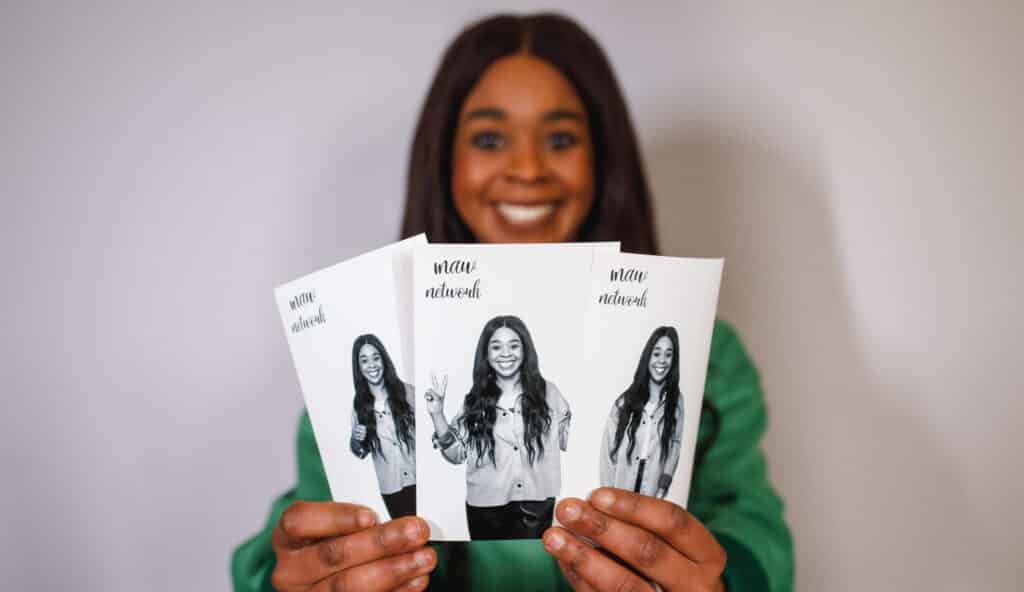
High-resolution photo booth prints can make the difference between a keepsake your guests treasure and one they forget. When your photos are sharp, well-lit, and printed on quality paper, details such as hair, clothing textures, facial features, and custom graphics remain clear.
If you’re comparing photo booth rental options in Washington, this guide will help you understand what print quality means, what affects it, and what to ask before you book.
What High-Resolution Photo Booth Prints Mean
High-resolution photo booth prints contain enough image detail to produce a sharp physical photo at its intended size. For most standard photo booth prints, a useful target is around 300 PPI at the final print dimensions.
PPI means pixels per inch and describes the amount of digital image information available for printing. DPI, or dots per inch, refers to the printer’s output. You do not need to become an imaging expert to evaluate a booth, but understanding the difference helps you ask better questions.
For example, a 2 × 6-inch photo strip designed around 300 PPI requires approximately 600 × 1,800 pixels. A 4 × 6-inch print requires approximately 1,200 × 1,800 pixels. If the original file is too small, enlarging it can make the final print appear soft or pixelated.
Why High-Resolution Photo Booth Prints Matter
High-resolution photo booth prints preserve the details that make a photograph feel professional. They also give you more flexibility when creating custom layouts, branding, and keepsakes for your guests.
The benefits become particularly noticeable when you’re hosting a wedding, corporate event, fundraiser, school celebration, milestone party, or other event where the physical print is part of the experience.
Sharper Details
A high-resolution image can retain fine details such as hair, jewelry, clothing patterns, props, and facial features. When the source image contains enough pixels for the print size, edges appear cleaner and small details are easier to see.
This matters even more with group photos. If several people appear in the same frame, their faces may occupy a relatively small part of the image. Starting with a detailed image gives you more usable information when the photo is printed.
Less Pixelation
Pixelation happens when an image does not contain enough information for its physical size. When the file is enlarged beyond what its pixel dimensions can support, edges can become blocky and details can look blurry.
You may not notice the problem on a phone screen, but it can become much more obvious when you hold the physical print in your hand.
Better Color and Gradients
Resolution is not the only factor affecting print quality, but a strong image file gives the printing process more information to work with. Combined with accurate exposure, good lighting, and appropriate printing settings, this helps preserve smooth tones and detailed images.
Skin tones, dark clothing, colorful backdrops, and subtle background gradients can all benefit from a well-produced image.
More Professional Keepsakes
Your guests may only spend a few seconds taking their photo, but the print can remain with them for years. A crisp image on quality photo paper feels more substantial than a dull or poorly reproduced print.
For corporate events, that quality also matters from a branding perspective. A logo, event name, or sponsor graphic needs to remain clean and readable rather than appearing fuzzy.
What Resolution Do You Need for Common Photo Booth Sizes?
Your required pixel dimensions depend on the physical print size. At approximately 300 PPI, common photo booth dimensions include:
| Print Size | Approximate Pixels at 300 PPI | Common Use |
| 2 × 6 inches | 600 × 1800 px | Classic photo strips |
| 4 × 6 inches | 1200 × 1800 px | Standard postcard-style prints |
| 5 × 7 inches | 1500 × 2100 px | Larger keepsakes |
| 6 × 8 inches | 1800 × 2400 px | Premium larger prints |
These figures are useful when you’re evaluating a photo booth provider because they give you a concrete way to discuss output quality. You can ask whether the files used for printing are maintained at a sufficient resolution for the selected print size.
A modern camera does not necessarily need an extremely high megapixel count for standard photo booth prints. A properly exposed 12 to 20 MP image can provide plenty of information for common print sizes when you avoid excessive cropping and compression.
Where Print Quality Can Be Lost
Even a capable camera cannot guarantee a high-quality print if resolution is reduced later in the workflow. The final result depends on the entire path from capture to paper.
Your image can lose quality through unnecessary camera compression, automatic software resizing, poor printer settings, or unsuitable paper. This is why you should evaluate the complete printing process rather than focusing only on the camera’s megapixel specification.
The workflow should preserve quality from camera → software → printer → paper.
Camera And Image Capture
Your camera should capture enough information for the intended print size without relying on excessive cropping. Good exposure is equally important because an image with blown-out highlights or very dark shadows can lose visible detail regardless of resolution.
Photo Booth Software
Some software workflows create smaller digital versions for faster sharing. That can be useful for texting or social media, but the print file should remain large enough for the physical output.
Ask whether the booth separates its print-quality files from smaller web or sharing versions.
Printer Settings
Printer settings can influence sharpness, color, and consistency. A provider should use appropriate quality settings rather than sacrificing output quality for speed.
Test prints are particularly useful because they allow the provider to inspect the actual result before guests arrive.
Which Printer Technology Is Best?
The printer technology used by a photo booth can affect speed, consistency, and the appearance of the final print. For high-volume events, dye-sublimation printers are particularly common because they are designed for fast, consistent photo printing.
Dye-sublimation printers transfer color onto specially coated media and are well suited to event environments where guests expect prints quickly. They can produce smooth photographs and are practical for repeated printing throughout an event.
High-end inkjet printers can also produce excellent photographic results. However, they can be slower and more dependent on the paper and environmental conditions.
Lower-cost thermal printing systems may be suitable for casual applications where premium photographic quality is not a priority. If you are paying for a polished wedding or corporate experience, ask specifically what printing technology and media will be used.
How Paper Affects Photo Quality
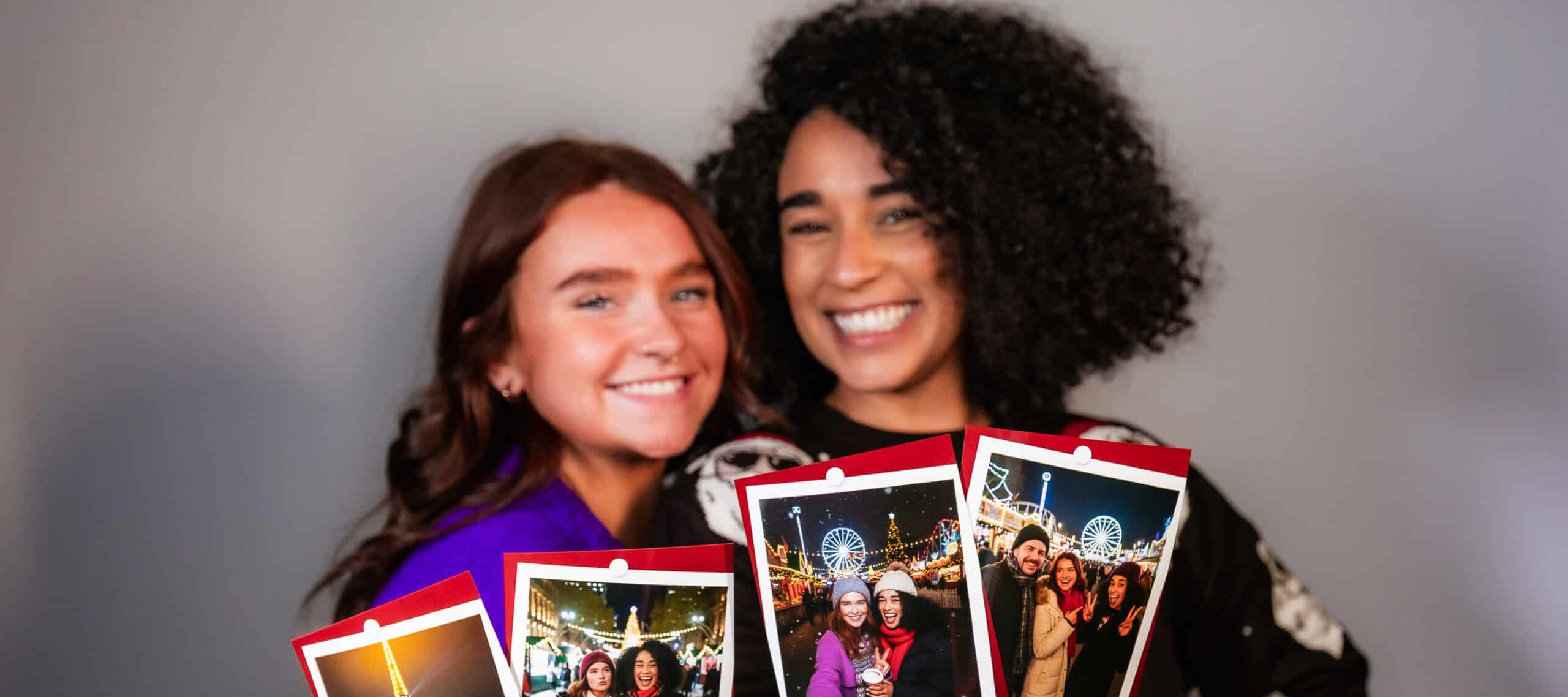
High resolution does not guarantee a great-looking physical print. The paper or media also affects how sharp, colorful, and premium the image appears.
Glossy paper typically produces strong color and noticeable detail, making it a good choice for vibrant event themes. Matte paper offers a softer appearance with less glare, which can suit formal or vintage-inspired events.
Luster or pearl finishes sit between glossy and matte. They can provide rich color while reducing some of the glare associated with a highly glossy surface.
For an event where guests are expected to keep their prints, ask about the paper’s finish, coating, and weight rather than treating paper as an afterthought.
How Lighting Affects Print Quality
High-resolution photo booth prints cannot compensate for poor lighting. Your camera can capture a large amount of image information, but underexposure, overexposure, harsh shadows, or excessive noise can still make the finished photograph look poor.
Soft, even lighting generally gives you cleaner facial details and more balanced skin tones. It also helps the camera capture the range of brightness needed for a good print.
Your guests’ positioning matters too. If people stand too far from the camera, their faces occupy less of the frame and become harder to see clearly in smaller prints. A well-designed booth setup should guide guests into an appropriate shooting distance.
What Affects Photo Booth Rental Cost In Washington?
Photo booth rental pricing in the Washington, DC market varies significantly based on the booth type, rental duration, printing options, customization, staffing, and included services. Current local listings show everything from lower-cost digital or self-service options to full-service print experiences costing more than $1,000, with premium packages reaching several thousand dollars.
For a print-focused experience, your quote may depend on factors such as the number of rental hours, unlimited versus limited printing, print size, custom artwork, backdrop, attendant service, setup and breakdown, and additional event requirements. Local providers also vary in how they structure add-ons and location fees.
Rather than choosing solely on the lowest advertised price, compare what is included. A less expensive digital booth may be a better choice if you only want guests to receive images on their phones. If physical keepsakes are central to your event, investing in a professional print setup can make more sense.
How To Evaluate A Photo Booth Provider
The best way to assess print quality is to ask for evidence of the actual finished product. A provider should be able to explain the print size, image workflow, printer type, paper, and customization options without relying on vague claims about having a “high-quality camera.”
Before booking, ask:
- What pixel dimensions are used for the final print?
- Are print files kept at full resolution?
- What printer technology do you use?
- What print sizes are available?
- What type of photo paper or media is used?
- Can I see examples of physical prints?
- Are custom logos and graphics printed at high quality?
- Will you run a test print before the event?
- Are unlimited prints included in the package?
- Are digital files also provided?
Physical samples are particularly valuable. A photo can look excellent on a website while the actual print reveals problems with color, sharpness, paper quality, or small text.
Common Mistakes to Avoid
Print quality problems are often preventable when you ask the right questions before booking. These are the mistakes most likely to undermine an otherwise well-planned photo booth experience.
- Choosing based only on megapixels: A high-megapixel camera does not guarantee a high-quality print, so evaluate the complete capture-to-print workflow
- Ignoring the final print size: A file that works for a small strip may not provide enough detail for a larger print, so match image dimensions to the intended output
- Using low-quality paper: Poor media can make detailed images look dull or inconsistent, so ask what paper and finish are included
- Accepting automatic downscaling: Smaller files may be useful for social sharing but can weaken physical prints, so confirm that full-resolution files are retained for printing
- Skipping test prints: Problems with lighting, color, small text, or printer settings may only become obvious on paper, so inspect a physical sample before the event
- Overlooking lighting: Resolution cannot recover detail lost through poor exposure, so make sure the booth uses appropriate lighting for the venue
Frequently Asked Questions
Is 72 PPI Enough For Photo Booth Prints?
No. Around 72 PPI is commonly associated with older screen and web discussions, but it is not a useful target for producing sharp physical photo booth prints. For standard prints, approximately 300 PPI at the final physical size is a practical quality target.
What Resolution Should A 2 × 6 Photo Booth Strip Be?
A 2 × 6-inch strip at 300 PPI corresponds to approximately 600 × 1,800 pixels. This gives the image enough pixel information for a sharp standard strip when the original photograph is properly exposed and the file is not heavily compressed or cropped.
Do You Need A High-Megapixel Camera For Photo Booth Prints?
Not necessarily. A modern 12 to 20 MP camera can provide sufficient resolution for common photo booth print sizes when the image is captured at full resolution. Lens quality, lighting, exposure, compression, and how aggressively the image is cropped can also affect the final result.
Can You Upscale A Low-Resolution Photo?
You can enlarge a low-resolution photo, but upscaling cannot reliably recreate genuine detail that was never captured. It may improve the dimensions of a file for certain uses, but starting with a properly sized, high-quality image is the better approach for physical photo booth prints.
Why Does A Photo Look Better On My Phone Than On Paper?
A screen can make an image appear impressive even when it contains limited detail because you view it at a relatively small size. Printing exposes weaknesses such as insufficient resolution, poor exposure, compression artifacts, and weak color reproduction. A properly sized print file helps prevent these issues.
Are Dye-Sublimation Printers Good For Photo Booths?
Yes. Dye-sublimation printers are widely suited to event photo printing because they are designed for fast, consistent output. They can produce smooth photographic results while handling repeated print jobs, making them a practical option when guests expect physical photos during the event.
Should You Choose Glossy Or Matte Photo Booth Paper?
Choose based on the look you want. Glossy paper emphasizes color and contrast, while matte offers a softer appearance with less glare. Luster or pearl can provide a middle ground. If you are unsure, ask to see physical samples because the finish can look different in person than on a screen.
Choose Better Prints For Your Washington Event
When you’re investing in a photo booth, the quality of the finished print matters just as much as the experience itself. High-resolution photo booth prints give your guests sharp details, rich color, and polished keepsakes they’ll want to take home.
At GlitzIQ Photo Booth, we help you create a photo booth experience around your event, with customized solutions, quality materials, thoughtful design, and technology selected to support the finished experience. Whether you’re planning a wedding, corporate gathering, celebration, or other Washington event, we can help you determine the right setup for your goals.
When you want your guests to leave with prints worth keeping, choose a photo booth experience where image quality receives the attention it deserves.